Making the most of your dash begins with finding the best place to start: somewhere buzzing with offers and opportunities.
The best way to find these spots? Look for DoorDash hotspots on the Dasher app. Hotspots highlight high-demand areas — places where hungry people gather or there's a surge in demand for essentials — keeping you dashing and earning.
Here's everything you need to know about DoorDash hotspots — what they are, how to find them, and how to make the most of them every time you dash.
What are hotspots on DoorDash?
DoorDash hotspots are areas on the DoorDash hotspots map where a high number of offers are predicted. They help Dashers locate zones where they're more likely to receive offers quickly.

There are two types of hotspots:
Dynamic hotspots: Red hexes that show you a certain restaurant or area currently experiencing a lot of offers. You don't have to be within the red area to receive an offer, but the closer you get, the more likely you are to get one.
Historical hotspots: Black flame icons without red hexes that show areas previously experiencing a high density of offers. You'll see historical Hotspots when it isn’t busy enough to create a dynamic Hotspot.
If you see an area with a red hex and a black flame, that means this hotspot has been busy in the past, and is busy again now.
How do I find the best area for dashing?
How do seasoned Dashers get more offers? They seek out DoorDash hotspots.
Here’s how to use them to your advantage:
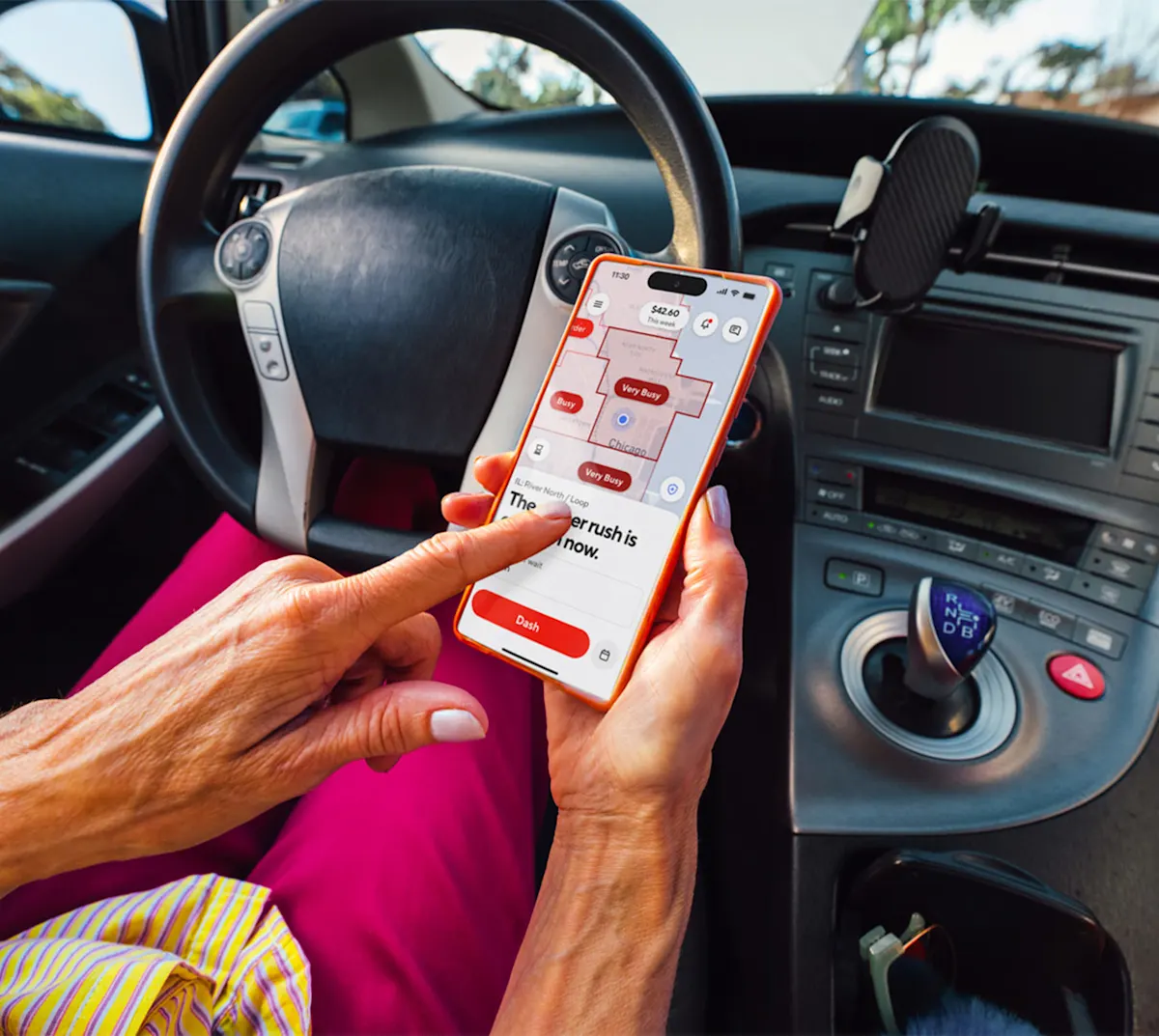
Open the Dasher app and check the DoorDash hotspots map before you start your dash. Your map may show red areas with a circle and flame icon on top — these are hotspots.
Choose areas near popular restaurants or business districts. Downtowns, shopping centers, and food hubs tend to generate consistent offers.
Try different zones. If one hotspot slows down, explore nearby ones. Rotating between nearby busy areas can be a great way to stay on top of changing demand.
Hotspots are updated every 10 minutes within the app.
Because hotspots may not always be active, it’s important to be mindful of when and where you are dashing, so you make the most out of your time.
Consider tracking when and where you make the most, note travel times, and pay attention to busy and slow periods. Some cities — and even neighborhoods — have their own rhythm, but no location will ever be better than the neighborhood you know best, so learning the patterns and keeping an eye on hotspots can help maximize your dash.
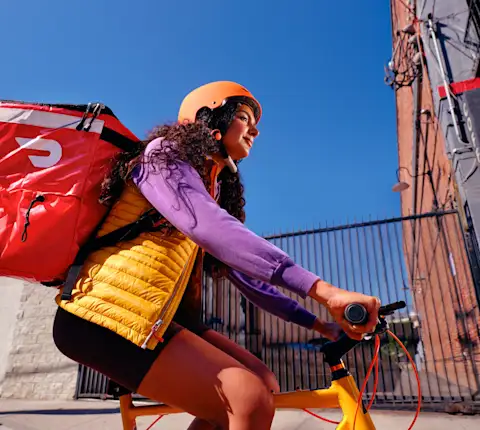
As hotspots are areas of high demand and activity, they can be high-traffic areas — so it’s good to plan ahead. One way to get around traffic or congested parking zones is to dash via bike dash or moped because, depending on your location, two wheels might be faster than four.
How do I find a DoorDash hotspot on the Dasher app?
To locate hotspots:
Open your Dasher app and tap "Dash Now" or "Schedule a Dash."
Look for red hexes on the map — those mark active hotspots.
Tap a hotspot to see more details or to navigate there.
What are the best times for hotspots?
Generally, the busiest times for hotspots are mealtime rushes:
Lunch (11 a.m.-2 p.m.): Office workers, students, and shoppers ordering midday meals.
Dinner (5 p.m.-9 p.m.): Peak delivery time in most cities.
Late nights and weekends: Areas with nightlife or college campuses often see spikes in offers after dark.
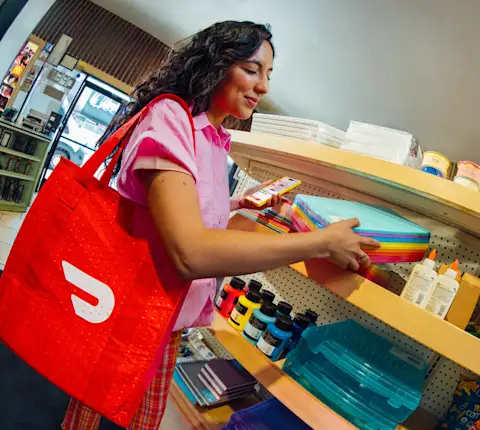
Between the lunch and dinner rushes, Dashers can earn during off-peak hours by accepting Shop & Deliver offers from convenience, grocery, and retail stores. This broadens delivery opportunities and can give you more flexibility during slower periods.
Are hotspots always active?
DoorDash hotspots appear and disappear depending on real-time order volume. A location might be a hotspot one evening and quiet the next morning.
If you don't see flames on your map, don't worry — you can still dash. Try heading toward historically busy zones or wait a few minutes for new offers to pop up as demand changes.
Maximize your earnings with DoorDash hotspots
Now that you know how hotspots work and how to use them effectively, open the Dasher app to see which areas are heating up near you. Every city has its own rhythm — and with a little strategy, you can make sure you're right where the offers are coming in.
Ready to become a Dasher? Sign up today.