Most people looking into dashing are not really asking how to make a delivery. They are asking something earlier than that: do I qualify, how long until I am approved, and is this actually worth my time?
So let's start there and walk through how to dash from the beginning, all the way to your first completed delivery.
What you need to start dashing
Most people already have everything on this list.²
Age. The minimum age is 18 in most states and higher in some. In California, new applicants must be at least 21. The Dasher requirements page has the current state-by-state list.
A smartphone. A compatible iPhone or Android.
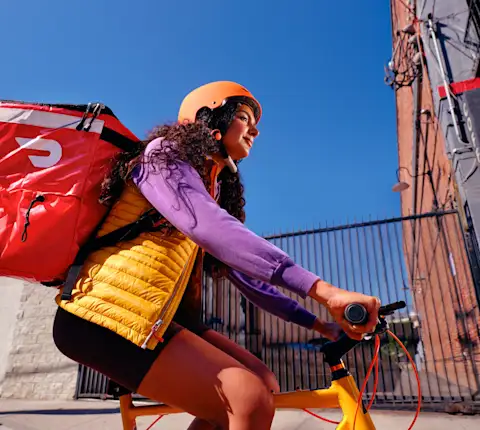
A way to get around. There are no make, model, or year requirements. Vehicle options can vary by market. In select cities you can also dash by scooter, motorcycle, bike, or e-bike.
A driver’s license and insurance, if you are using a motorized vehicle. You will also need your vehicle registration. Where bike dashing is available, a driver's license and auto insurance are not required. You will still need a valid government-issued ID.
ID verification and a background check. You will provide a Social Security number for identity verification and a background check, which is run by a third-party provider and may include a criminal records search, a Social Security number trace, and a motor vehicle record check for motorized vehicles.
Full state-by-state detail lives on the Dasher requirements page.
How much can you earn dashing?
Earnings vary, so there is no single number. What we can tell you is how the pay is built, so you can read your own offers.
Two earning modes. With Earn by Offer, you earn per completed offer, and the amount changes based on the offer’s time, distance, and desirability. With Earn by Time,⁴ you earn at least a set hourly rate for active time, which runs from when you accept an offer until you complete it, plus 100% of tips. Time spent waiting for an offer is not active time.
Three pieces to your earnings:
Base earning is DoorDash’s contribution for each offer.
Promotions like Peak Pay and Boosts add extra pay during busy windows, and they apply automatically when they are in effect. You will find others under "Promos" in the app.
Tips. Customers can tip before or after a delivery, and 100% of tips go to you.
Getting paid. Weekly direct deposit to your bank happens automatically. Fast Pay⁵ lets you cash out once a day, subject to eligibility and approval, for a $1.99 fee per transaction. DoorDash Crimson⁶ offers no-fee instant deposits after each dash and cash back on gas, subject to availability, eligibility, and approval.
More detail on all of it: how Dasher pay works.
Setting up the Dasher app
Download the Dasher app on iOS or Android, then log in with the phone number and email from your application. Some people search for it as the "DoorDash driver app." The official name is the Dasher app. Go to the Earnings tab and add your bank account. Adding it before your first dash means your earnings have somewhere to go.
Two things worth understanding on day one:
Dash Now vs. Schedule. Dash Now starts a dash immediately if your zone has demand. Scheduling reserves a window ahead of time, which is useful if you know you are free Friday at 6 pm but not much else.
Zones and Hotspots. You pick a zone to dash in. Inside it, hotspots show up as red areas on your map and point you toward where orders are coming in. Some Dashers move toward a hotspot when things are slow.
Dasher gear. An activation kit with an insulated bag typically ships after you get started. If you want more than the basics, the DoorDash Store carries Dasher gear like drink carriers, pizza bags, and additional hot bags.
One safety note that matters more than any earnings tip: only check your phone when you are safely parked. No offer is worth taking your eyes off the road for.
Your first dash, step by step
Step 1: Pick your zone
Open the app, tap "Dash Now," and choose your zone. In many markets you can dash outside the zone where you signed up. The app shows which zones are active.
Step 2: Review and accept your first offer
The app notifies you when an offer comes in. Before you accept, you will see the guaranteed minimum for that offer, the travel distance, and the item count. Read all three, not just the pay.
If it does not fit, decline it. Your Acceptance Rate is one of several metrics in the app. Declining an offer is your call. The Deactivation Policy explains which metrics affect account standing and what the minimums are.
Step 3: Get ready for pickup
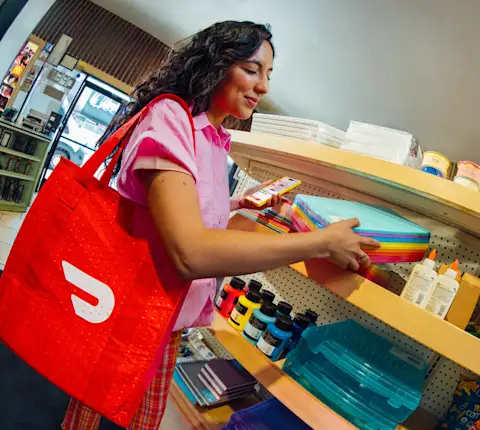
The app navigates you to the merchant. Most merchants will ask who the order is for. The app shows the customer's name. Most orders are already paid for. Some, like Shop & Deliver, are paid with your Red Card at checkout.
Before you leave: check that all items are there, look at the condition of the packaging, and separate hot from cold. Drinks upright. Ice cream not next to the fries. Confirm the pickup in the app.
Step 4: Drop off
The app routes you to the customer and shows their drop-off instructions. Open those instructions while you are still at the merchant, since gate codes and apartment numbers are easier to read before you are driving. If you need to reach the customer, call or text through the app rather than your own number.
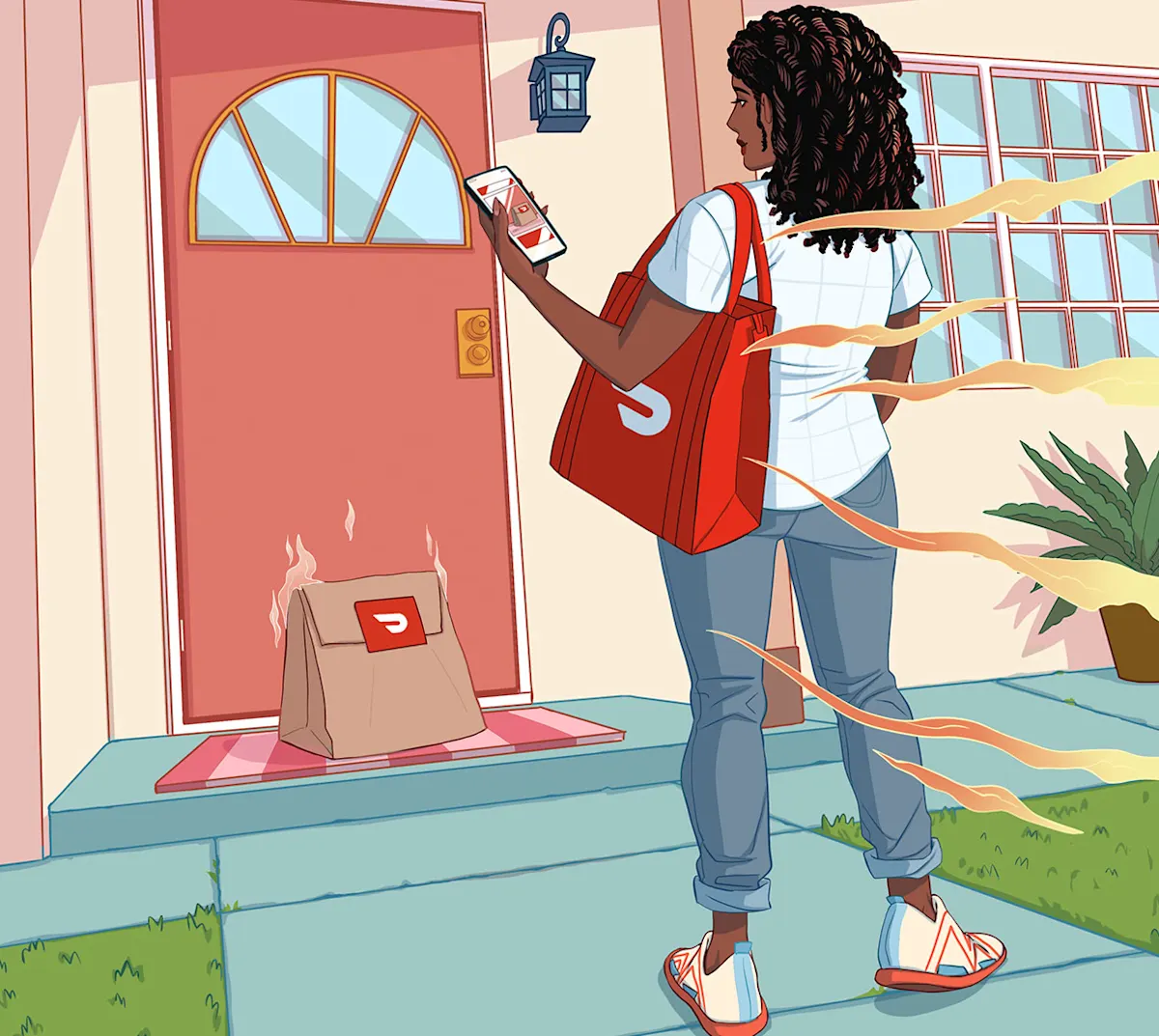
At the address, confirm your arrival, follow the instructions, and take a photo for contactless deliveries. Then you are done.
Your earnings are added to your account, and the customer can leave a Customer Rating. That is one delivery. The next one works exactly the same way.
What to know on your first week
Meal rushes are the busiest windows. Lunch and dinner tend to bring the most order volume. A first dash at 2 pm can feel slow for reasons that have nothing to do with you.
Familiar areas can mean fewer wrong turns. Dashers who are new to the platform often start in zones where they already know the parking and the apartment complexes.
The insulated bag helps keep food in the condition you picked it up in. Zipped, with hot items separated from cold. Condition on arrival is part of what customers rate.
Your first dash is a practice run. There's no minimum number of deliveries in a session, and you decide when to end it.
Your metrics live in the Ratings tab. Customer Rating, On-time/Early Rate, Completion Rate, and Acceptance Rate are all there if you want to see how you're tracking. Dashers who track well on ratings often point to the same things: arriving close to the app's estimate, keeping food in the condition they picked it up in, and reading the drop-off instructions before they arrive. The Deactivation Policy explains which metrics affect account standing and what the minimums are.
Dasher support is in the app. Wrong address, a merchant that can't find the order, an item that's unavailable. Support lives under the help icon during an active delivery, so it's worth knowing where it is before you need it.
Ready to start dashing?
Sign-up takes a few minutes, and the Dasher app walks you through the rest.
See the full list of requirements and sign up to become a Dasher →.
Dashers are independent contractors. ¹ Earnings vary and depend on factors including the number of offers accepted and completed, time of day, location, and costs incurred, including gas, maintenance, insurance, and phone plan. Tips are determined by the customer, and 100% of tips go to the Dasher. The guaranteed minimum shown on an offer does not include tips added after a delivery is completed. ² Eligibility requirements, including minimum age, vehicle options, and required documents, vary by market and are subject to change. See the Dasher requirements page for current requirements in your area. ³ Background checks are conducted by a third-party provider. Scope, timing, and activation requirements vary by state and by provider. ⁴ Earn by Time provides a minimum hourly rate for active time only, which begins when an offer is accepted and ends when the delivery is completed. Time spent waiting for an offer is not active time. Tips are additional. Availability varies by market. ⁵ Fast Pay is subject to eligibility, approval, and a $1.99 fee per transaction. ⁶ DoorDash Crimson is subject to availability, eligibility, approval, and activation.
Frequently Asked Questions
How do I become a Dasher?
Sign up online, choose your vehicle type, upload your ID and (for motorized vehicles) your license, insurance, and registration. Complete identity verification and the background check. Once your account is active, download the Dasher app, log in with your sign-up phone number and email, add your bank details, and tap "Dash Now."
Is dashing right for you?
It works well if you need to earn around something else, since there are no minimum hours and no set schedule. Earnings vary¹ by time of day, your zone, and the offers you accept and complete, and you cover your own costs like gas and maintenance. In exchange, you see the pay and distance on every offer before you accept it.
How do I dash for the first time?
Open the Dasher app, tap "Dash Now," and pick your zone. When an offer comes in you will see the guaranteed minimum for that offer and the distance before you decide. Accept one, follow the app to the merchant, give the customer's name at the counter, then follow the drop-off instructions and confirm your arrival. That is a complete delivery.
How long does it take to become a Dasher?
Signing up takes a few minutes. Activation depends on how quickly your background check clears, which varies by state and provider. You will be notified by email when it is done.
How do I sign up to become a Dasher?
Sign up online with your phone number and email, pick your vehicle type, upload your ID and vehicle documents, and verify your identity with a quick photo. Then wait on the background check,³ which varies by state. Once it clears, log in to the Dasher app and add your bank details.
What do I need to sign up for DoorDash?
A government-issued ID, a Social Security number, a compatible smartphone, and a way to get around. If you are using a car, scooter, or motorcycle, add a valid driver’s license, auto insurance, and vehicle registration.
How old do you have to be to dash?
The minimum age is 18 in most states and higher in some. In California, new applicants must be at least 21. The Dasher requirements page has the current state-by-state list.
Do I need a car to dash?
No. In select cities you can dash by scooter, motorcycle, bike, or e-bike. Bike dashing doesn’t require a driver's license and auto insurance. You will still need a valid government-issued ID.
How much can you earn dashing?
It depends on your zone, the time of day, and how many offers you accept and complete. Every offer shows the guaranteed minimum before you accept, and your pay is base pay plus Promotions plus 100% of tips. See the pay page for how each part is calculated.
How do I get paid?
Weekly direct deposit is automatic. Fast Pay lets you cash out daily for $1.99 per transaction, subject to eligibility and approval, and DoorDash Crimson offers no-fee instant deposits after each dash and cash back on gas, subject to availability, eligibility, and approval.