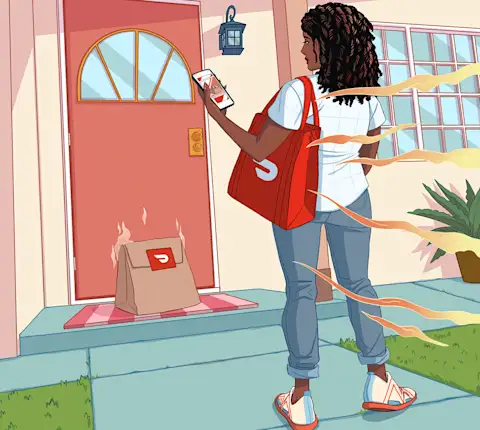
You've got more than a way to get paid. You've got a personal banking (1*) account, a DoorDash Crimson Visa® Debit Card, cash back rewards (2*) , and instant access (3*) to your Dasher earnings. Here are four steps to get the most out of your up Crimson benefits.
Step 1: Add Your DoorDash Crimson Card to Your Digital Wallet
Your virtual card is ready the moment you're approved (4*) for a Crimson account.
No need to wait for the physical card in the mail. Add it to your mobile wallet and start making tap-to-pay purchases right away. Use it at gas stations, grocery stores, online, or anywhere Visa debit cards are accepted.
How to do it:
Open the Dasher App
Go to Earnings
Go to DoorDash Crimson
View card details
Add to Wallet
So you can spend as soon as earnings hit your account -- no waiting required.Your physical card will arrive by mail in 7-10 business days.
Step 2: Find Your Account and Routing Number
This is your personal bank account.
DoorDash Crimson is more than a payout card. It's a deposit account with Starion Bank, Member FDIC. This means you can use it like any other bank account, and your DoorDash Crimson funds are FDIC-insured through Starion Bank. Visit FDIC and refer to the DoorDash Crimson Deposit Account Agreement for more details. Open your Crimson Hub and go to Account Details to see your account and routing number, useful for setting up direct deposits, paying bills, or managing subscriptions.
How to do it:
Open the Dasher App
Go to Earnings
Go to DoorDash Crimson
Go to Crimson Hub
Tap on Account Details
Direct deposits. Bill payments. Transfers. No monthly account fee, no minimum balance. An account that actually works for how you earn.
Step 3: Link an External Bank Account
Move money in and out on your schedule.
Connect an external bank account to your DoorDash Crimson account so you can transfer funds when you need to. Keep your finances flexible and organized, whether you're saving, spending, or just staying ready.
How to do it:
Open your Crimson Hub
Go to Linked Accounts
Follow the steps to connect your external bank or add a debit card for instant transfers (5*)
Standard transfers are free within 3-5 business days. Need it fast? Instant transfers are available for $1.99. Plus, enjoy 8 free in-network ATM withdrawals per calendar month at approximately 40,000 MoneyPass® ATMs nationwide. A $2.50 fee will apply to each withdrawal in a calendar month after that.
Step 4: Get Paid Early (6*) with Direct Deposits
Early access to your earnings.
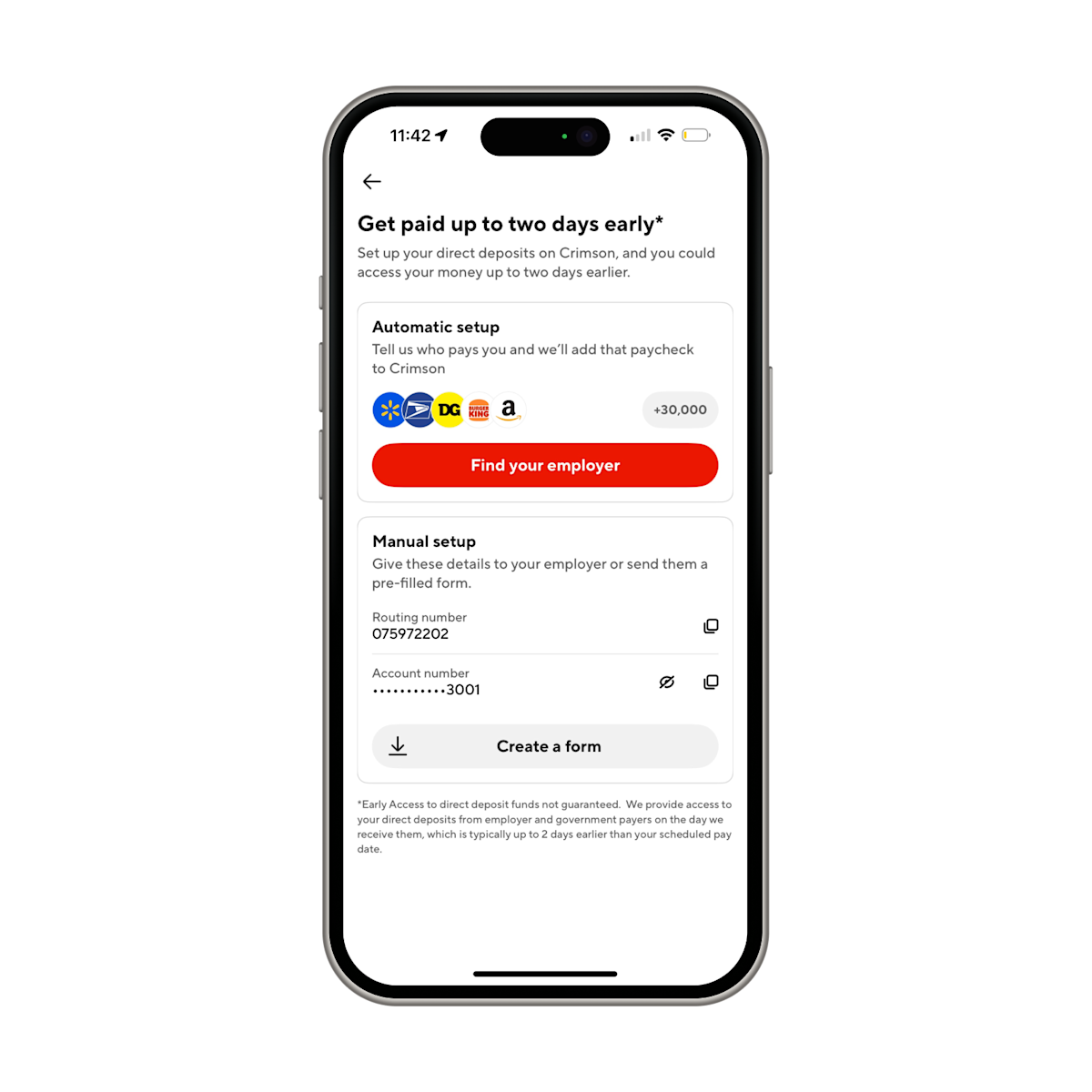
With Early Payday you can set up direct deposit and get paid up to two days early. Bills can get paid sooner, purchases don't have to wait, and your money can start working before your official pay date.
Whether you're dashing daily, driving for another platform, or working a W-2 job, you can deposit all your income into one place. Use your DoorDash Crimson account and routing number to set up direct deposit from any employer or gig platform.
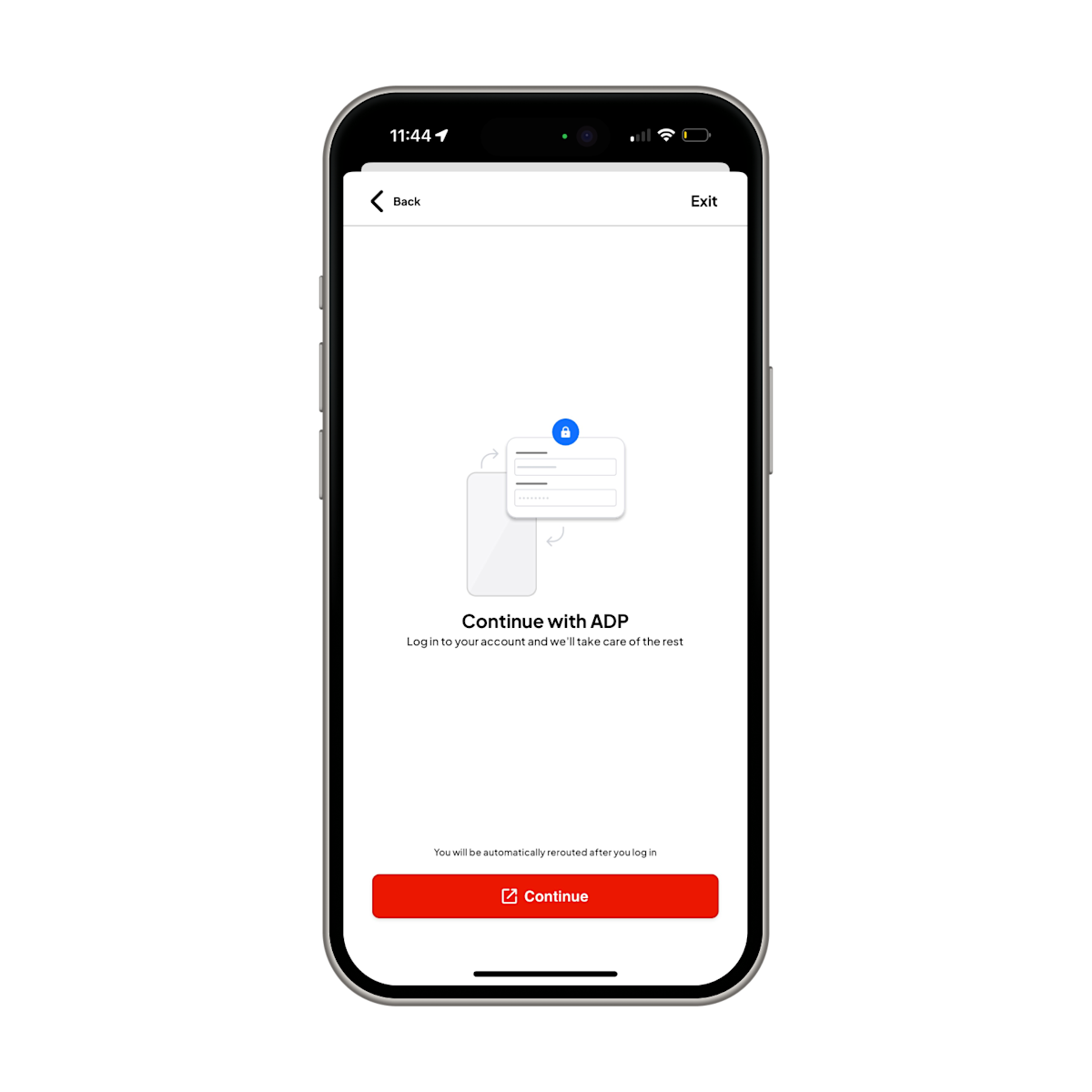
How to set up your direct deposit
Tap "Find your employer" button
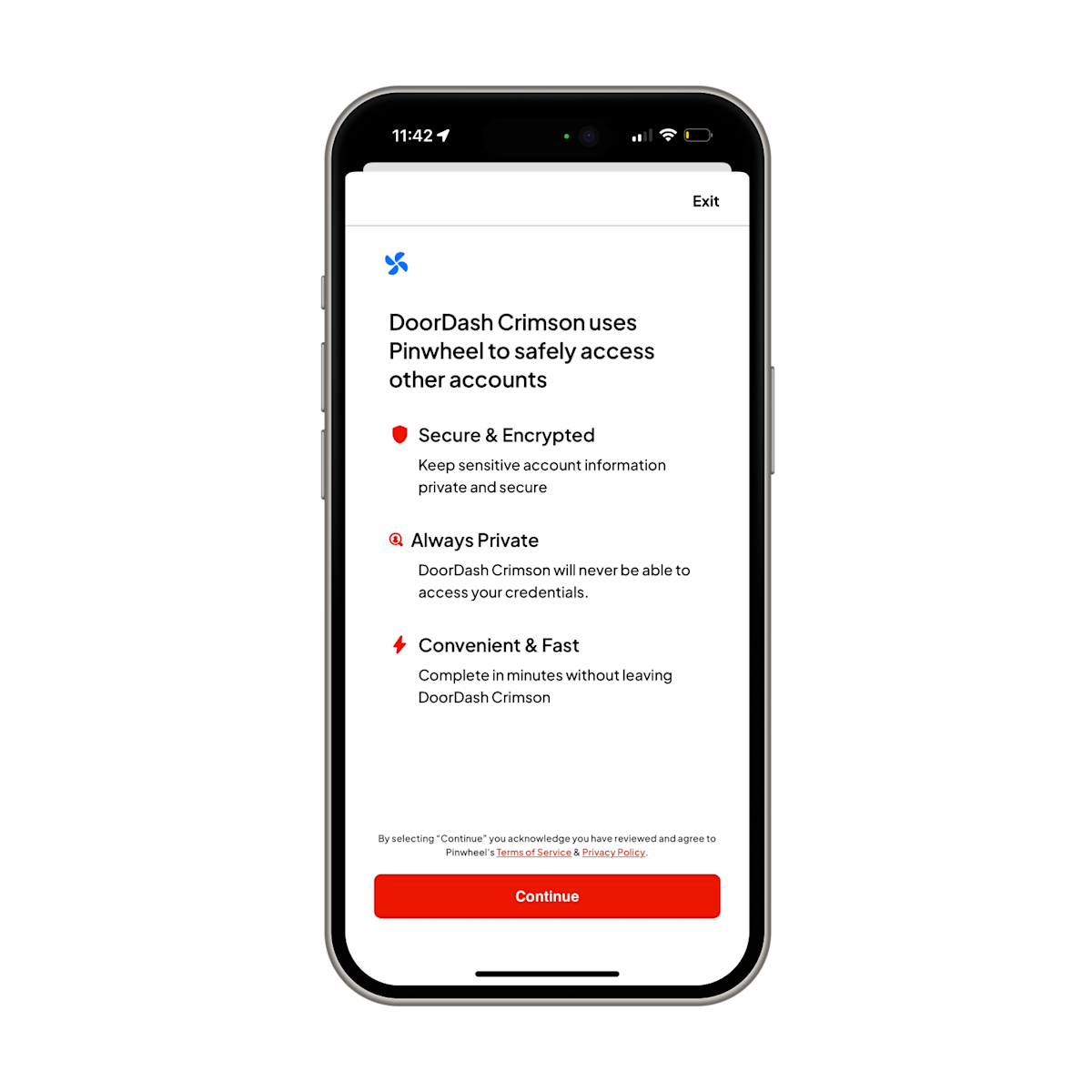
Review the Pinwheel Security Screen
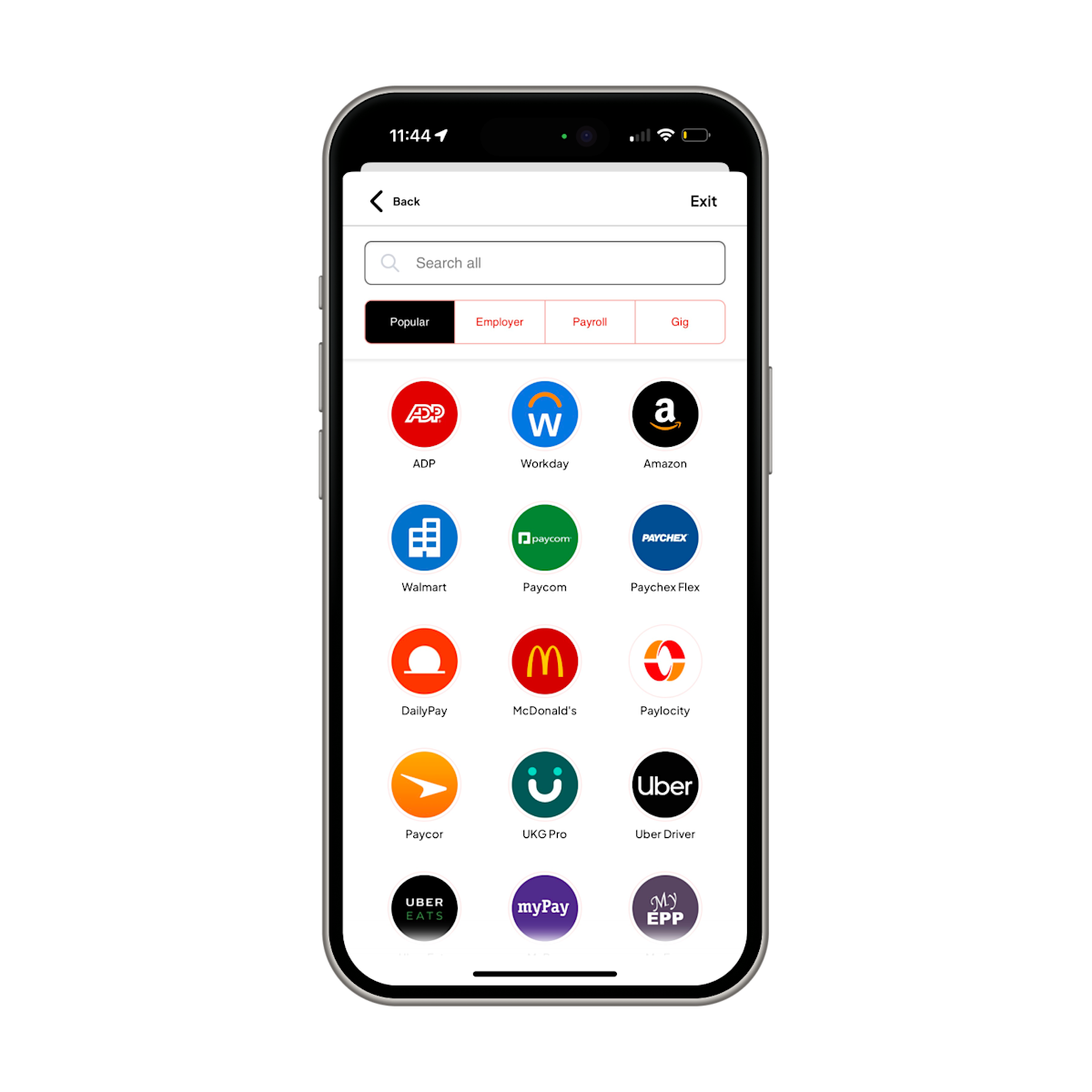
Search for Your Employer or Payroll Provider
Log In and Complete the Flow


Frequently Asked Questions
Q: What is the difference between DoorDash Crimson and the Red Card?
They are completely separate. The Red Card is a prepaid card used to pay for Shop & Deliver orders at merchant locations. DoorDash Crimson is your personal banking account that comes with a Crimson Card, instant access to Dasher earnings, early direct deposit, and cash back rewards.
Q: Can I use Fast Pay and DoorDash Crimson together?
No. However, there is good news: you get something built for Dashers. Your earnings hit your Crimson account automatically after every dash session, for free. Plus, Instant Transfer lets you move money in and out of your DoorDash Crimson account anytime ($1.99 per instant transfer, or fee-free for standard transfers, 3-5 business days).
Issues with DoorDash Crimson? Reach out to our dedicated Crimson support line: (833) 296-9399
(1*) DoorDash is a technology company, not a bank. Banking services provided by Starion Bank, Member FDIC.
(2*) Rewards earned by using your DoorDash Crimson Card for qualifying purchases as offered in the Crimson Hub. Cashback on gas limited to $600 in total spend per month, at the pump only. Rewards eligible to redeem in the Crimson Hub. Subject to eligibility requirements and limitations. May change without notice.
(3*) Earnings deposits typically occur within seconds. There may be times when deposits are delayed or not completed.
(4*) Successful ID verification required.
(5*) Instant transfers generally occur immediately, but delays or failures may occur. Funds availability depends on the receiving financial institution. Transfers are not allowed for the first 24 hours after a new debit card is added. For details on transfer limits after 24 hours, please refer to your Deposit Account Agreement.
(6*) Early access to direct deposit funds not guaranteed. We provide access to your direct deposits from employer and government payers on the day we receive them, which is typically up to two days earlier than your scheduled pay date.
The DoorDash Crimson Deposit Account is established by Starion Bank, Member FDIC. The DoorDash Crimson Visa Debit Card is issued by Starion Bank pursuant to a license from Visa U.S.A. Inc. Certain fees, terms, and conditions are associated with the approval, maintenance, and use of the Deposit Account and Card. If you have any questions regarding your Deposit Account or Card, you should consult your Deposit Account Agreement and Fee Schedule found in the Crimson Hub of the Dasher mobile app, on the DoorDash Crimson website at doordashcrimson.com, or contact us toll-free at 1-855-973-1040. Starion Bank does not endorse or sponsor and is not affiliated with third-party products or services offered or advertised by DoorDash.