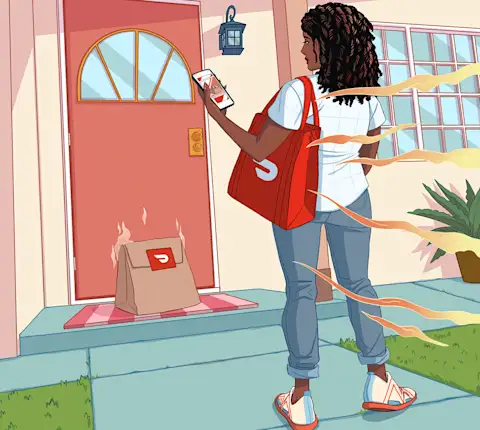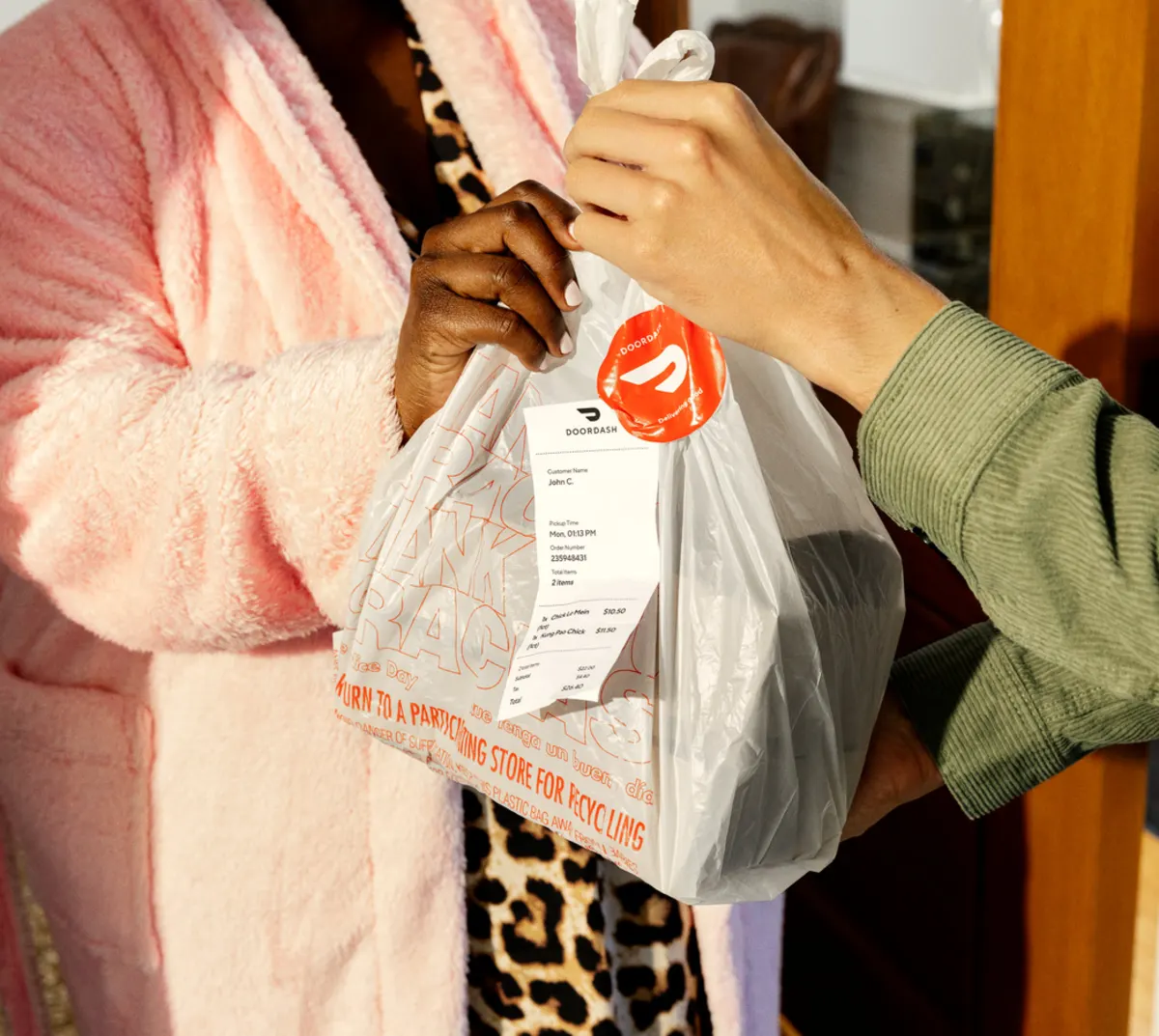
Tú manejas tu propio tiempo, aceptas órdenes de mercado, compras los artículos y los entregas directamente en la puerta del cliente, sin un jefe supervisándote, sin un horario fijo y sin necesidad de experiencia previa. El rol de comprador profesional de mercado se ha convertido en una de las opciones de trabajo independiente más populares para quienes buscan ingresos flexibles y un horario que combine conducir, hacer compras y brindar atención directa al cliente.
Pero ¿cómo es realmente el trabajo en el día a día? Aquí encontrarás un resumen de en qué consiste este rol, cómo funciona el pago y si es la opción adecuada para ti.
¿Qué es un comprador profesional de mercado?
Un comprador profesional de mercado es un contratista independiente que puede completar órdenes de mercado, de tiendas de conveniencia o de tiendas minoristas a través de una aplicación de entrega, seleccionando los artículos de una lista dentro de una tienda física y luego entregándolos directamente en la puerta del cliente.
Según la plataforma, existen dos modelos comunes:
Los compradores de mercado preparan la orden y la dejan lista para su retiro. De la entrega se encarga otra persona.
Los compradores profesionales de mercado de servicio completo hacen ambas cosas: compran los artículos y luego entregan la orden en la puerta del cliente.
En DoorDash, los Dashers que cumplen con los requisitos pueden elegir aceptar ofertas de Compra y entrega, que consisten tanto en hacer las compras como en entregar las órdenes de los clientes. Es una buena opción si quieres más variedad en tus dashes. Si quieres más detalles antes de decidir, puedes leer un desglose completo de cómo funciona la entrega de mercado en DoorDash.
¿Qué hace un comprador de mercado? (Tareas del día a día)
Así es como se ve un dash típico, paso a paso.
1. Acepta una orden en la aplicación
Podrás ver los detalles de la oferta antes de comprometerte: la tienda, el número de artículos y el pago. Si funciona para ti, acéptalo. Si no, pasa.
2. Navega por la tienda utilizando la lista de compras
La aplicación te muestra la lista completa de artículos, con fotos y detalles. Algunas tiendas incluyen mapas de los pasillos. Incluso cuando no es así, la mayoría de los compradores experimentados desarrollan un recorrido por la tienda que les permite ahorrar tiempo.
3. Gestiona las sustituciones y los artículos agotados
Aquí es donde este trabajo requiere verdadero criterio. Antes de que comiences a comprar, los clientes pueden establecer sus preferencias de sustitución, como elegir un reemplazo previamente aprobado, solicitar que los contacten o solicitar un reembolso si un artículo no está disponible. La aplicación Dasher te guiará según la opción que haya seleccionado el cliente.
Aun así, sigue habiendo margen para tomar decisiones: si el cliente no estableció sus preferencias con anticipación, tendrás que decidir cuál es el mejor reemplazo y comunicarte con él a través de la aplicación según corresponda.
4. Paga y completa la orden
La mayoría de las plataformas cubren directamente el costo de los artículos, por lo que nunca tienes que pagar de tu propio bolsillo. En el caso de las órdenes de Compra y entrega, como las de mercado o artículos de tiendas minoristas, DoorDash utiliza una Tarjeta roja prepaga (disponible como tarjeta virtual en la aplicación Dasher o como tarjeta física) para procesar automáticamente el pago en la caja, de modo que no tengas que asumir ningún gasto de tu bolsillo. Una vez pagada la orden, te diriges al punto de entrega y la llevas al cliente. El pago por la orden completada se calcula y se añade a tu cuenta.
5. Entrega la orden al cliente
Desde la tienda, te diriges directamente a la dirección del cliente. La aplicación te proporciona la navegación y las instrucciones para la entrega. Entrega la orden y ¡listo! Tus ganancias por el dash completado se reflejarán en tu cuenta.
Horario del comprador profesional de mercado: ¿cuándo trabajas?
Uno de los mayores atractivos de este tipo de trabajo es la flexibilidad de horarios. La mayoría de las plataformas te permite elegir tus propios horarios, sin un calendario fijo. En DoorDash, por ejemplo, la función Compra y entrega te permite programar tus turnos con hasta cinco días de anticipación o comenzar a trabajar en cualquier momento cuando haya alta demanda en tu zona. No hay horas mínimas.
Las órdenes de compras suelen estar disponibles fuera de las horas de mayor demanda de entrega de comida. Las mañanas y las primeras horas de la tarde suelen ser buenos momentos para recibir órdenes de mercado, cuando los restaurantes tienen menos actividad, pero las personas siguen solicitando compras.
Dicho esto, la disponibilidad varía según la zona. Las áreas urbanas con mayor demanda suelen tener un flujo de órdenes más constante. Si te encuentras en una zona con menor densidad, es posible que debas planificar mejor los horarios en los que trabajas.
Pago del comprador profesional de mercado: ¿cuánto puedes ganar?
El pago de los compradores profesionales de mercado en DoorDash suele provenir de una combinación de un pago base por orden, las propinas de los clientes y bonificaciones ocasionales durante los períodos de mayor demanda. La estructura exacta puede variar según la plataforma.
En DoorDash, así es como funciona cada componente. Puedes consultar el desglose completo en la página de resumen de pagos de DoorDash.
Pago base: una cantidad base por orden fijada por DoorDash, en función del volumen de la orden, el tiempo y la complejidad.
Propinas: los clientes pueden dejar una propina antes de la entrega o hasta 30 días después de la misma. Las propinas de los clientes son para ti.
Bonificaciones: puedes recibir pagos adicionales durante los períodos de mayor demanda mediante funciones como Pago durante horas pico. Los retos también pueden ofrecer oportunidades de obtener ganancias adicionales al completar los objetivos que cumplen con los requisitos.*
La mayoría de las plataformas también ofrece opciones de pago flexibles para que no tengas que esperar hasta el final de la semana. Tus ganancias pueden estar disponibles después de realizar entregas si utilizas DoorDash Crimson (sujeto a los requisitos de elegibilidad y a los tiempos de depósito) o mediante el depósito semanal estándar que se realiza todos los lunes.
Cómo pagar los artículos del mercado como comprador
Si eres un comprador profesional de mercado en DoorDash, no tienes que pagar los artículos del mercado de tu propio bolsillo. DoorDash proporciona a cada Dasher una Tarjeta roja, una tarjeta prepaga que se carga automáticamente con fondos cuando llegas a la caja para pagar una orden de compra. No está vinculada a tu cuenta bancaria ni a tus ingresos. Solo la acercas o la deslizas en la caja como cualquier otra tarjeta, y el pago se procesa.
Las Tarjetas rojas están disponibles como tarjeta digital (que se agrega a Apple Wallet o Google Pay) o como tarjeta física que se envía sin costo desde la tienda de DoorDash. Se recomienda la versión digital porque es inmediata y siempre la tienes contigo. La mayoría de las tiendas aceptan pagos sin contacto, por lo que la tarjeta digital funciona para la mayoría de las órdenes de Compra y entrega. Si una tienda no acepta pagos sin contacto, puedes usar tu Tarjeta roja física en su lugar.
Consejos para ser un buen comprador de mercado
Estos son los hábitos que marcan la la diferencia entre un dash lento y uno rápido.
Domina la conversación sobre las sustituciones. La herramienta de mensajería integrada en la aplicación te permite ponerte en contacto con los clientes rápidamente. Un mensaje breve como “Se han quedado sin el de 32 oz, ¿te parece bien cambiarlo por el de 16 oz?” siempre es mejor que una suposición errónea.
Construye una ruta de la tienda. Si sueles comprar en las mismas tiendas, familiarízate con su distribución. Si sigues el orden productos frescos → lácteos → productos secos → congelados, evitarás tener que dar la vuelta.
Utiliza las fotos de los artículos. La mayoría de las aplicaciones de compras incluyen fotos de los artículos solicitados. Cuando estás buscando en una estantería una marca o un tamaño concretos, esa imagen te sirve de referencia.
Comprueba con atención los pesos y las cantidades. Especialmente con los productos frescos. Si un cliente pide 1 lb de uvas, pésalas. Hacerlo bien contribuye a garantizar una experiencia más fluida para el cliente.
Organiza con inteligencia. Agrupa las bolsas por tipo de temperatura (las frías juntas, las secas juntas) antes del pago. Los clientes valoran que sus productos congelados lleguen fríos, especialmente en entregas más largas.
¿Ser comprador profesional de mercado es para ti?
No todas las modalidades de trabajo independiente encajan con todas las personas. Aquí tienes el tipo de perfil que suele adaptarse bien a las órdenes de compras en DoorDash y el tipo de persona que normalmente prefiere otra opción.
Probablemente te irá bien si:
Eres detallista y detectas cosas como tamaños o cantidades incorrectas antes del pago.
No te molesta estar de pie durante períodos prolongados.
Te sientes cómodo tomando decisiones rápidas sobre sustituciones.
Buscas flexibilidad: trabajar cuando te conviene, no en un horario fijo.
Disfrutas una combinación de compras en tienda y entregas, no solo estar sentado en el auto esperando órdenes de restaurantes.
Es posible que esta opción no sea la más adecuada si:
Prefieres órdenes de retiro en restaurantes en lugar de hacer compras en tiendas.
Prefieres pasar más tiempo en la carretera que recorriendo los pasillos de una tienda.
Buscas un trabajo con una estructura más definida y horarios establecidos.
Si prefieres ir directamente del punto de retiro al punto de entrega sin incluir las compras de mercado, las entregas de restaurantes son una excelente alternativa. Si quieres comparar ambas opciones antes de registrarte, consulta las preguntas frecuentes para Dashers, donde encontrarás información sobre ambos tipos de órdenes.
Cómo convertirse en un comprador de mercado de DoorDash
Registrarte lleva solo unos minutos. Entra en la página de comienzo de DoorDash y sigue estos pasos:
Debes tener al menos 18 años.
Deber tener un teléfono inteligente (iOS o Android).
Completa el proceso de registro del Dasher (lo que incluye pasar una verificación de antecedentes).
Descarga la aplicación Dasher e inicia sesión con el número de teléfono y el correo electrónico que utilizaste para registrarte.
Agrega la información de tu cuenta bancaria desde la pestaña Ganancias.
Activa tu Tarjeta roja, ya sea la tarjeta virtual disponible en la aplicación Dasher o la tarjeta física incluida en tu kit de Dasher.
Una vez que tu cuenta esté activa, cumplas con los requisitos de elegibilidad y hayas activado tu Tarjeta roja, podrás comenzar a aceptar las órdenes de Compra y entrega disponibles en la aplicación Dasher.
Preguntas frecuentes
¿Qué es un comprador profesional de mercado?
Un comprador profesional de mercado selecciona y prepara órdenes de mercado o de tiendas minoristas en nombre de los clientes, trabajando dentro de una tienda física con la lista de compras proporcionada por una aplicación de entregas. En DoorDash, esto se hace a través de la función Compra y entrega.
¿Los compradores de mercado de DoorDash tienen que hacer entregas?
En DoorDash, las órdenes de Compra y entrega incluyen tanto la compra de los artículos como la entrega en un solo viaje. Compras los artículos en la tienda y luego los entregas directamente al cliente. Antes de decidir si aceptas una oportunidad disponible, podrás ver todos los detalles de la orden.
¿Cuánto dinero ganan los compradores de mercado en DoorDash?
Las ganancias varían según el tamaño de la orden, las propinas y si hay bonificaciones activas, como Pago durante horas pico o Retos. DoorDash te muestra un estimado de las ganancias antes de que aceptes cada orden. Consulta la descripción general de los pagos de DoorDash para obtener un desglose completo de cómo funcionan.*
¿Necesito un auto para ser un comprador de mercado en DoorDash?
En DoorDash, las órdenes de Compra y entrega incluyen la entrega, por lo que necesitarás un auto, una bicicleta o un ciclomotor, según tu ubicación. Al registrarte, puedes consultar qué tipos de vehículos están disponibles en tu zona.
¿Cuál es la diferencia entre un comprador profesional de mercado y un Dasher?
Un Dasher tradicional retira comida de restaurantes y la entrega. Un comprador profesional de mercado (a través de la función Compra y entrega de DoorDash) compra artículos de mercado, de tiendas de conveniencia o de tiendas minoristas. Algunos Dashers realizan ambos tipos de órdenes. Depende de lo que aceptes en la aplicación.
¿Cómo puedo convertirme en un comprador de mercado de DoorDash?
Regístrate en dasher.doordash.com, realiza una verificación de antecedentes para comprobar tu elegibilidad y descarga la aplicación Dasher. Una vez que tu cuenta esté activa y cumplas los requisitos de elegibilidad, podrás empezar a aceptar las órdenes disponibles de Compra y entrega.
¿Estás listo para empezar a comprar con DoorDash?
Si ser un comprador profesional de mercado te parece una buena opción, el proceso de registro solo toma unos minutos.
Comienza como Dasher aquí y descubre qué órdenes de Compra y entrega están disponibles en tu zona.
* Las ganancias no están garantizadas y varían en función de factores como la ubicación, las ofertas que aceptes, las propinas y la disponibilidad de órdenes.